
Contacts, Emergency Contacts, and Medical IDs for Mobile Devices
Your phone’s contact list can reveal far more than names and numbers. For activists, advocates, and vulnerable communities, it can expose relationships, networks, and sensitive connections. Learn why minimizing stored contacts, configuring emergency contacts, and enabling Medical ID can make your phone safer without sacrificing critical information.

Eluding Surveillance and Preparing Your Mobile Phone for Confiscation
Before entering a protest, border crossing, government building, or other uncertain environment, a few simple steps can make your phone much harder to track or search. Learn why powering it down, using a Faraday bag, and leaving it in its “Before First Unlock” state can provide meaningful protection when your device leaves your hands.
Critical Vulnerability in Windows Desktop Version of Zoom
A newly discovered critical Zoom vulnerability could allow attackers to take over Windows user accounts if the desktop application isn't updated. Learn who is affected, why it matters, and the simple steps you can take today to protect your meetings, files, and business communications.

How to Enable and Use Check-In Messages
Most of us have sent a quick "Made it home" text. Apple's Check In and Android's Safety Check can do that automatically—and alert a trusted contact if you don't arrive safely. Learn how these built-in features work, why they're useful, and how to set them up in just a few minutes.

How to Make Your Phone Self-Destruct
Your phone can already erase itself when it needs to. Most people just never turn the feature on. Here's how to set up a real, working self-destruct on both iPhone and Android, and the one common mistake that quietly cancels it out.
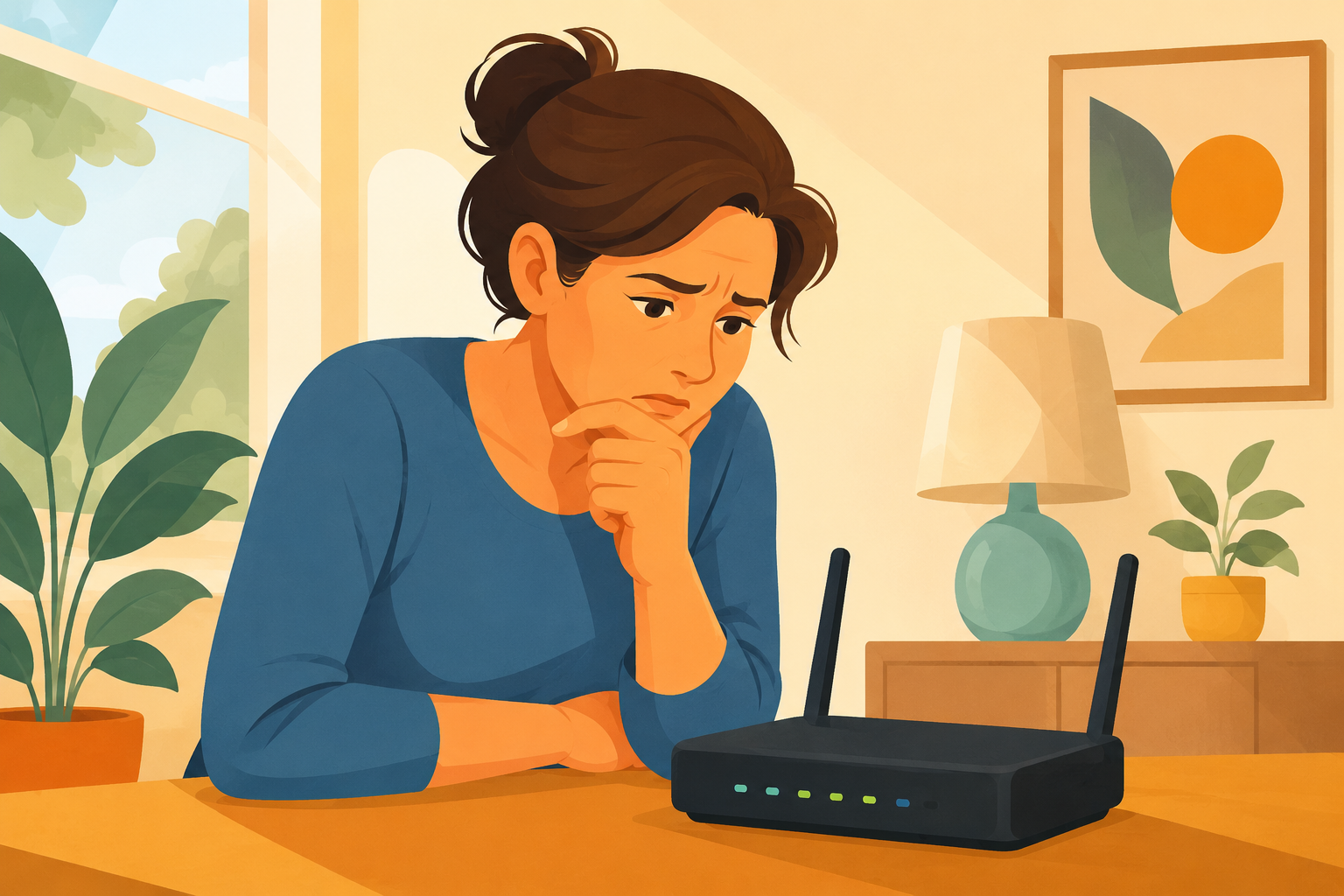
One Small Change Makes Your Network Safer
There's a small box somewhere in your home or office that connects everything to the internet — and its default settings are probably working against you. A free, ten-minute adjustment can improve your privacy, block malicious websites, and even filter adult content. Here's how.
Legacy Version of Microsoft 365 Will Stop Working on MacOS Devices After Jul 13, 2026
Support for older Microsoft Office versions on Mac is changing, and outdated installations could stop working if they haven't received the latest updates. Learn which versions are affected, how to check your installation, and what steps you should take now to keep Word, Excel, PowerPoint, and Outlook running without interruption.